 Wardify
Wardify/Features
Wardrobe
A digital wardrobe from photos of your clothes
Photograph your clothes once. Wardify cuts each piece out of its background, reads what it is, and keeps the whole wardrobe in one place in the app.
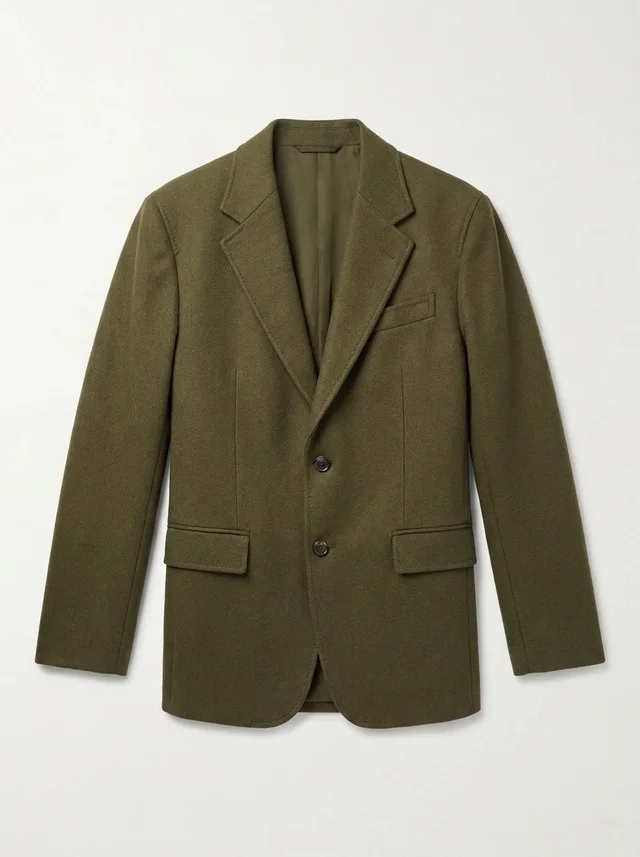
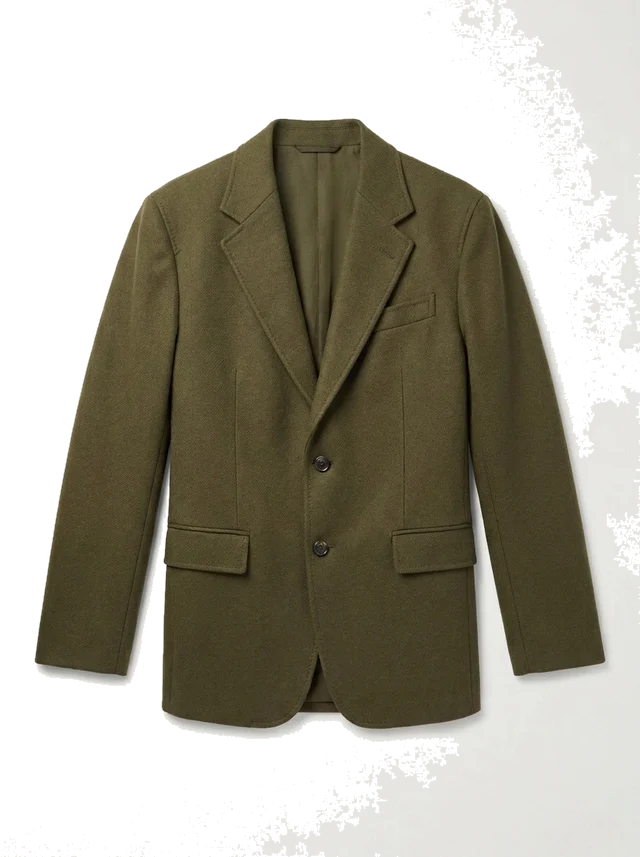
What a digital wardrobe is
A digital wardrobe is a catalogue of the clothes you own, kept as pictures with a few facts about each piece. It answers the questions a full closet cannot: what do I have, what goes with what, and what have I not worn in a while. Every other part of Wardify, from the daily outfit to the weekly plan, works from this catalogue, so nothing it suggests has to be bought first.
How adding clothes works
- Take a photo of a garment, or pick photos from your library. You can add several pieces in one go.
- Wardify removes the background, so each piece is stored as a clean cut-out.
- It reads the category, colour, material and season from the picture.
- You check the result and correct anything it got wrong.
The reading is done by AI, and AI makes mistakes. A cut-out can differ a little from the real garment, and a navy jumper can be read as black. That is why every detail stays editable.
What Wardify keeps
Wardify keeps the cut-out picture, a thumbnail and the details read from it. It does not keep your original photo. You can delete a garment at any time, and deleting your account removes everything.
The AI features are run by Google (Gemini API). The app asks for your permission before the first one, and you can take that permission back in the settings. Your photos are not used to train AI models, and there are no ads. The Privacy Policy lists exactly what is sent and why.
What it costs to add clothes
Adding clothes is free up to an allowance for each account: 50 pieces, or 150 while you pay for a monthly or annual Pro plan. After that, each piece uses one credit. If a step fails, the credit or free piece is returned.
What you can do with it
- Get a daily outfit for the weather, built only from pieces you own.
- Ask the AI stylist how to wear a piece you rarely reach for.
- Lay out a week of outfits without repeating one.
Good to know
- Wardify is for photos of clothing. Shoes, bags and accessories count as pieces too.
- The app is in English, Turkish, German and French.
- You sign in with Google, Apple, or an email address and password. You must be at least 18.